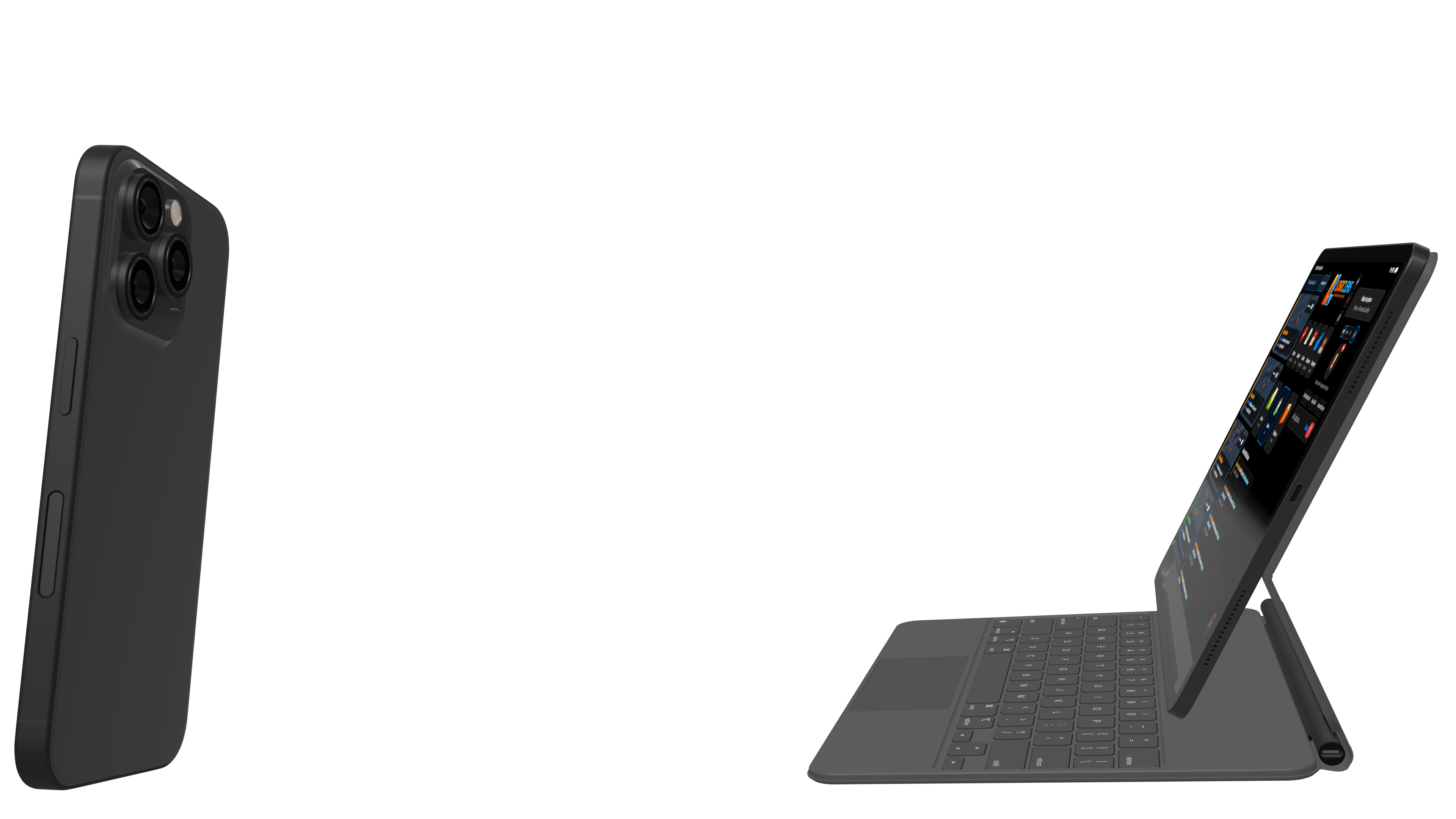
Multi-Device Contractor Platform for Phone, iPad & Web
Run the same contractor workflow across phone, iPad, and web so field capture, on-site review, and office oversight all stay part of one connected system.
A multi-device contractor platform built for field and office
Logic Lens works across phone, iPad, and web so contractors can use the best surface for the moment without splitting the workflow into disconnected tools.
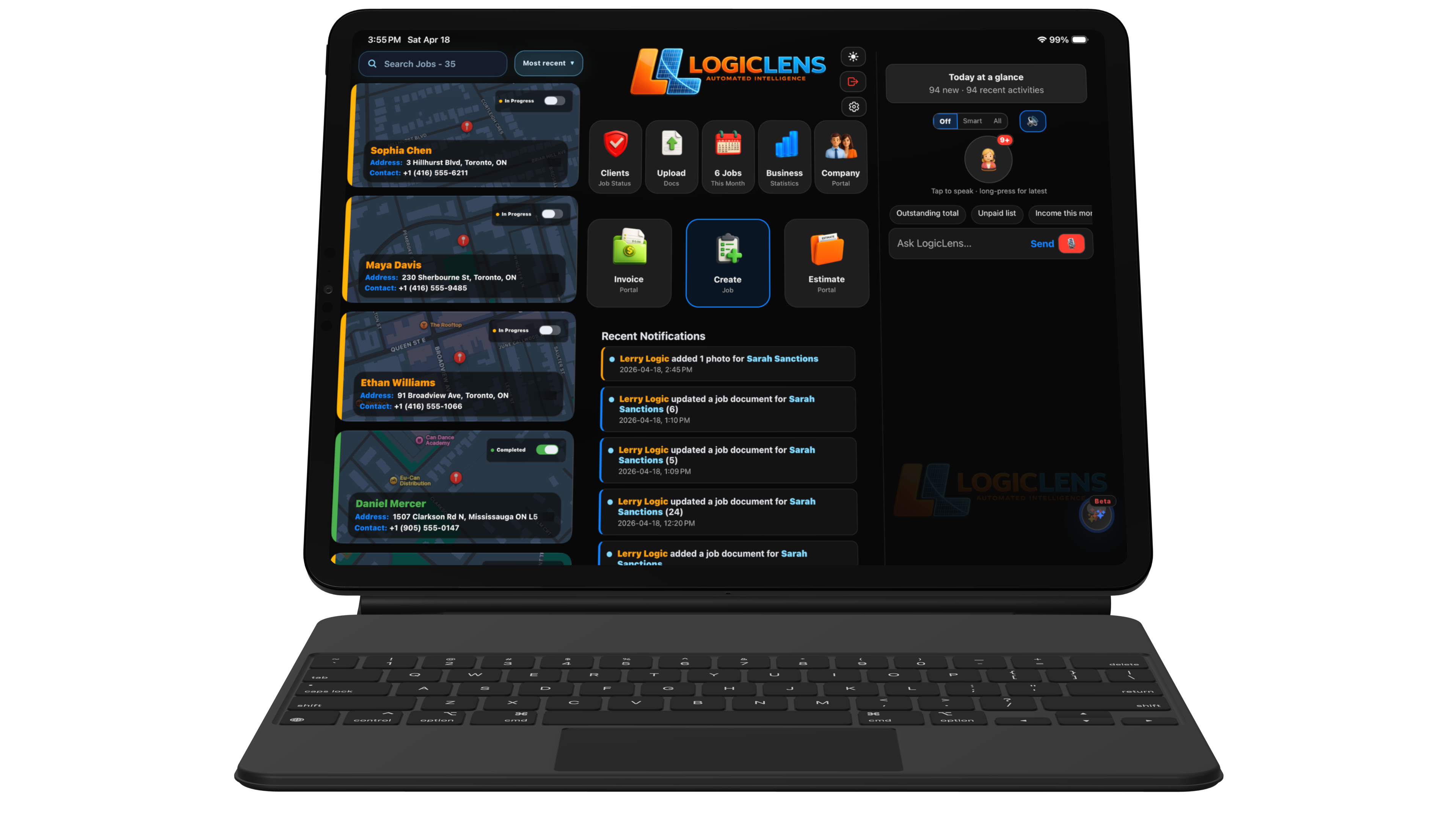
Larger-format review on site
The iPad gives teams more room for walkthroughs, floor-plan context, customer-facing review, and collaborative jobsite conversations.
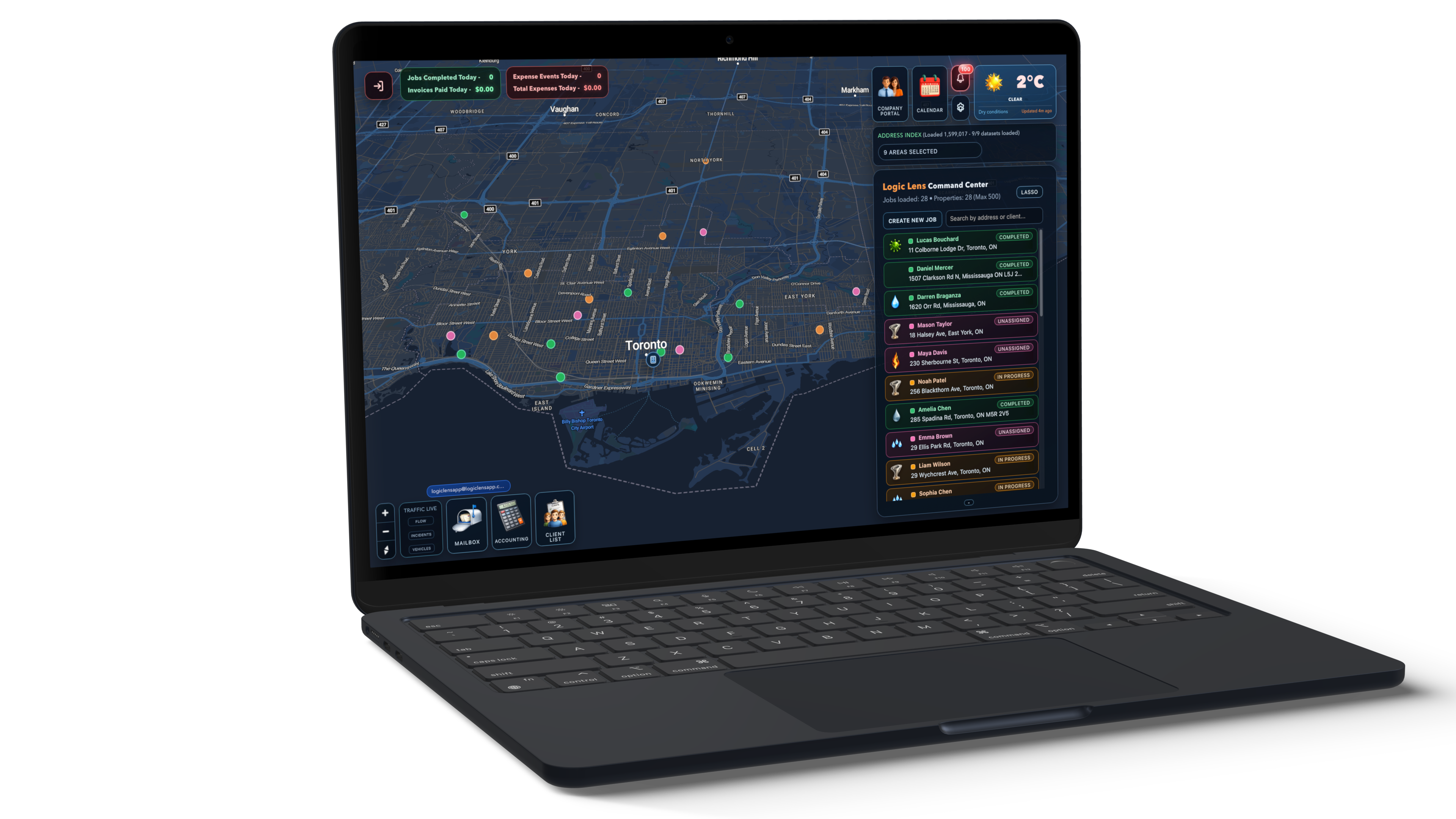
Office control and oversight
Use the web app for reporting, admin controls, estimates, invoicing, scheduling visibility, and higher-level operational follow-through.
Each device plays a role
Cross-device contractor software works best when each surface has a clear job to do instead of trying to force the exact same experience into every screen size.
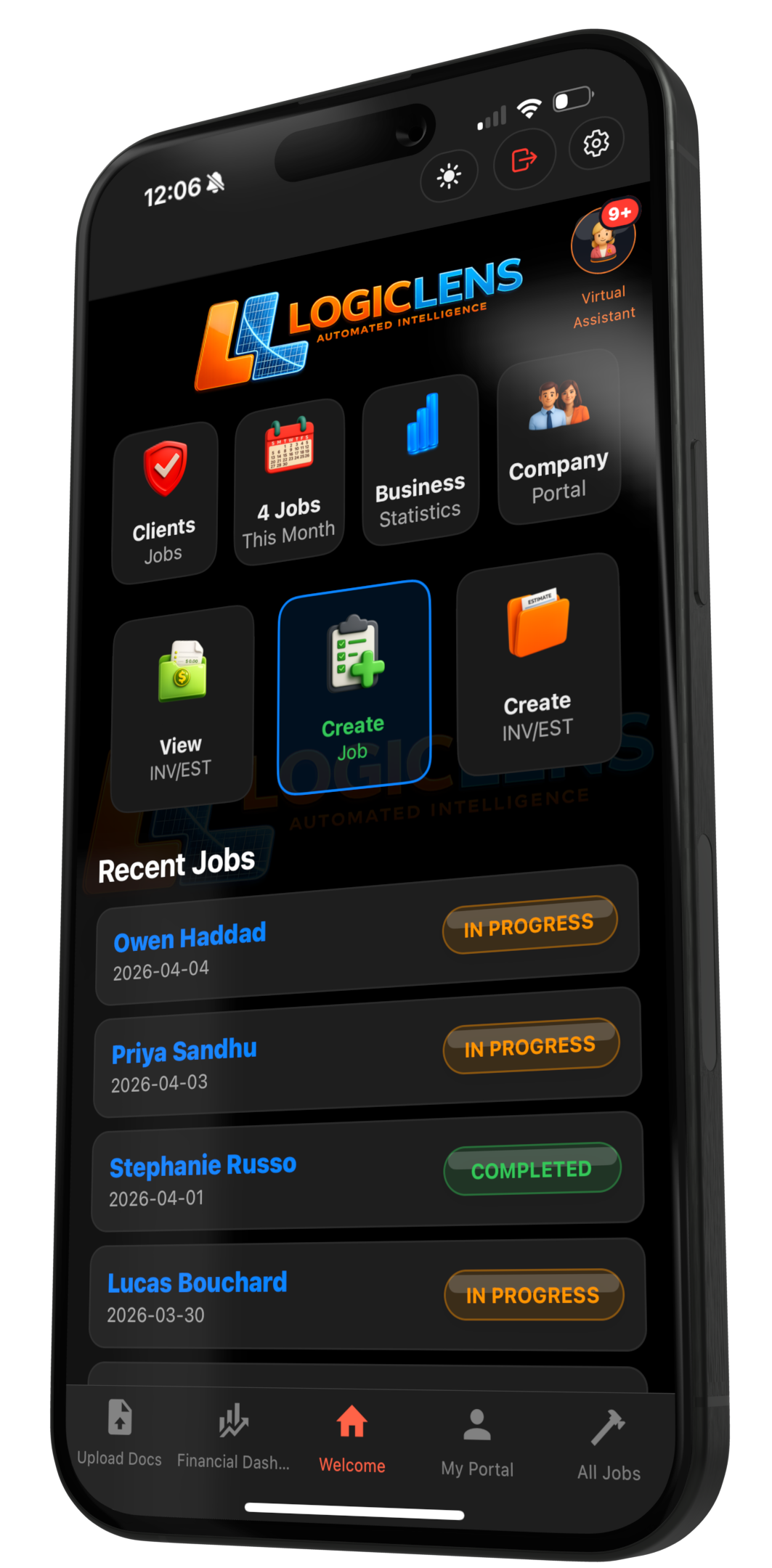
Phone
Best for photos, notes, quick updates, and capture moments where speed matters more than screen space.
iPad
Best for review, field presentations, floor-plan context, and on-site collaboration with customers or team members.
Web / Desktop
Best for reporting, admin work, estimates, invoicing, oversight, and the broader office workflow behind the job.
Fast field capture
Capture photos, notes, and quick updates while moving through the job instead of waiting to rebuild the record later.
Cross-device continuity from site to office
The value is not just that multiple devices are supported. The value is that phone capture, iPad review, and web oversight all stay part of one contractor workflow.
Use the phone where speed and mobility matter most, including photos, notes, and quick job updates while moving through the site.
Move to the larger surface when the conversation needs more context, more visibility, or a better presentation tool on site.
Use the office view for estimates, reporting, invoicing, permissions, scheduling oversight, and the deeper admin workflow.
The workflow stays connected so the office is not rebuilding what the field already captured and the field is not cut off from the rest of the operation.
Why the device mix matters for contractors
A contractor app for iPhone, iPad, and web lets teams work where they are instead of forcing every task through the same screen and the same operating conditions.
Capture faster on site
Use the most portable device when the job is moving quickly and the team needs to document without friction.
Present work more clearly
Use the iPad when a larger screen helps the team explain context, review plans, or collaborate on site.
Handle office follow-through
Keep deeper admin, reporting, and oversight tasks where they are easier to manage at full size.
Avoid disconnected tools
Keep everything in one platform instead of splitting phone capture, tablet review, and desktop oversight into separate systems.
Use the right device at the right moment without leaving the workflow
See how Logic Lens connects phone capture, iPad review, and web oversight into one contractor platform for field teams and office staff.
Questions about multi-device contractor platform for phone, ipad & web
Extra detail for teams comparing restoration software workflows and trying to understand how this feature fits into the larger operation.