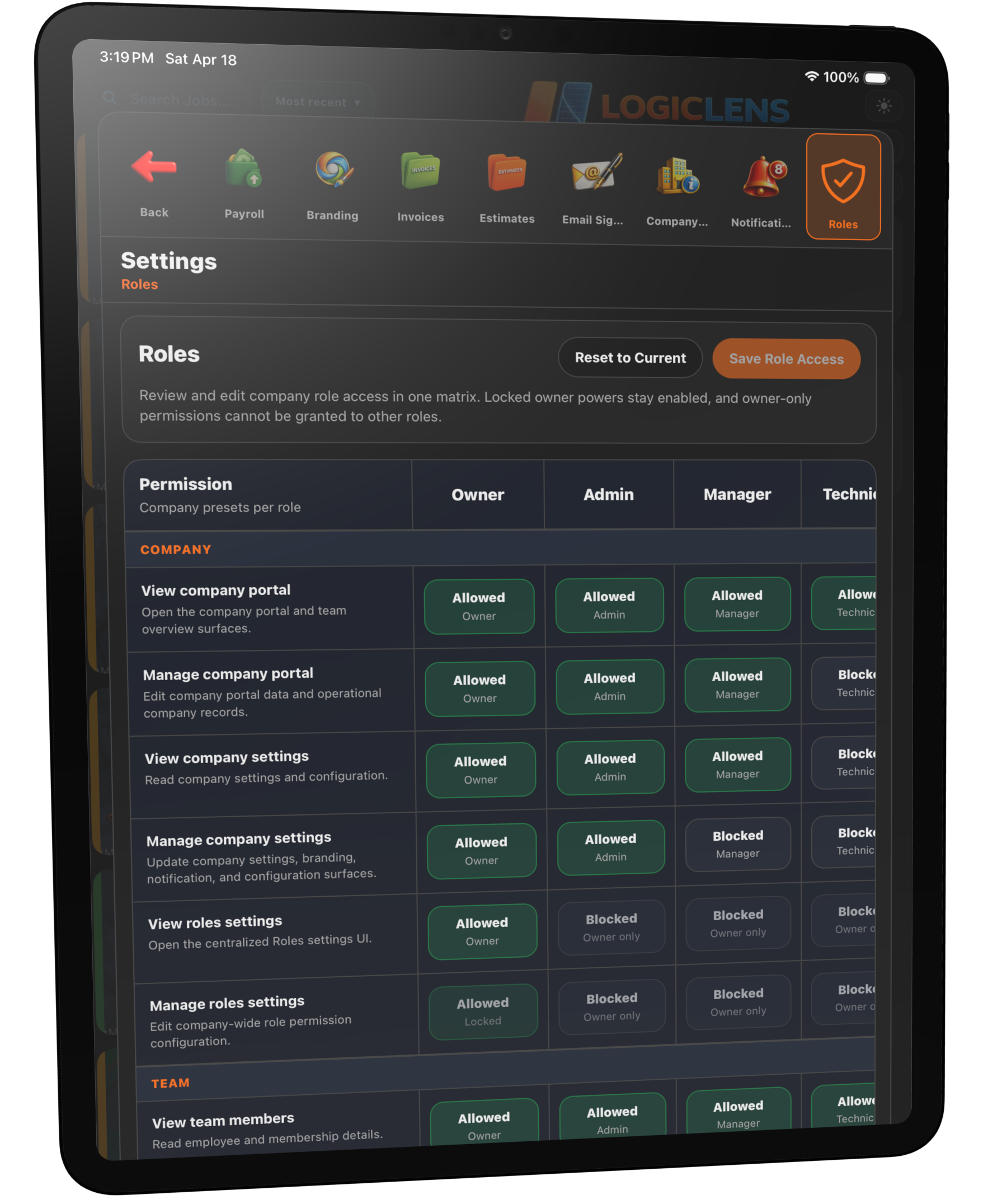
Permission-Based Roles for Contractor Teams
Give each person the access they actually need, without exposing every financial record, sensitive document, or admin control across the company.
Admin control without operational drag
Set role-based access for contractors so the right people can move work forward while financial visibility, sensitive records, and higher-level controls stay protected.
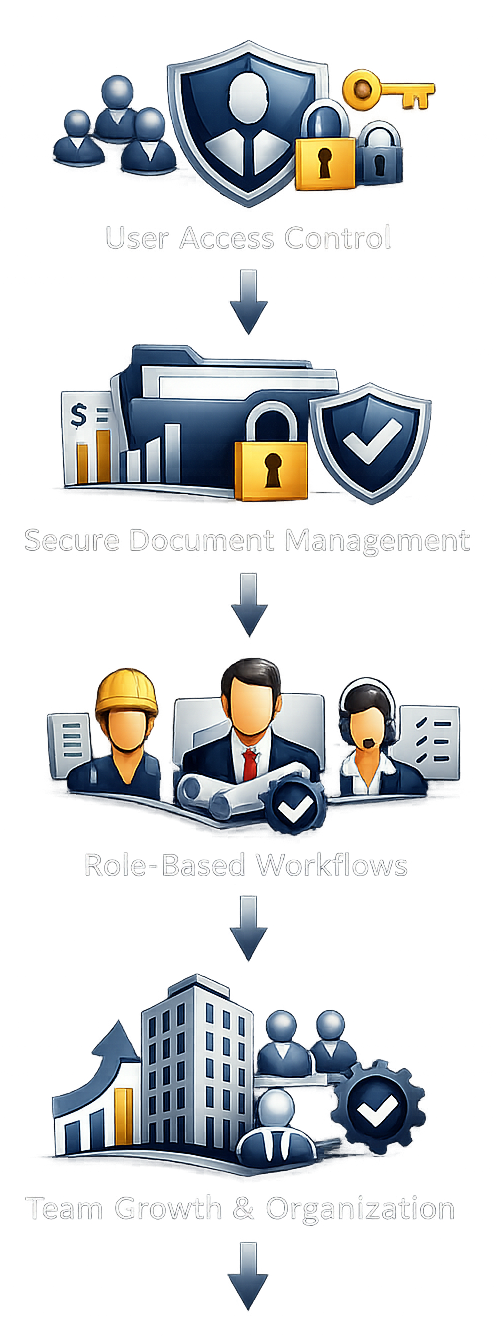
Built for real teams, not just one login
As the company grows, different people need different access. Owners, office admins, project managers, estimators, technicians, and subcontractors should not all share the same visibility into financials, documents, approvals, and admin controls.
Protect pricing, invoice visibility, margin-sensitive information, and internal admin settings without slowing down the team that is trying to get work done.
Restrict sensitive files, customer-facing records, and internal documents so access matches job responsibility instead of whoever has the password.
Technicians can focus on capture and field actions, estimators can focus on scope and pricing, and office staff can keep operations moving without stepping on each other’s work.
Role-based access for contractors helps growing companies stay accountable without turning every process into a manual permission conversation.
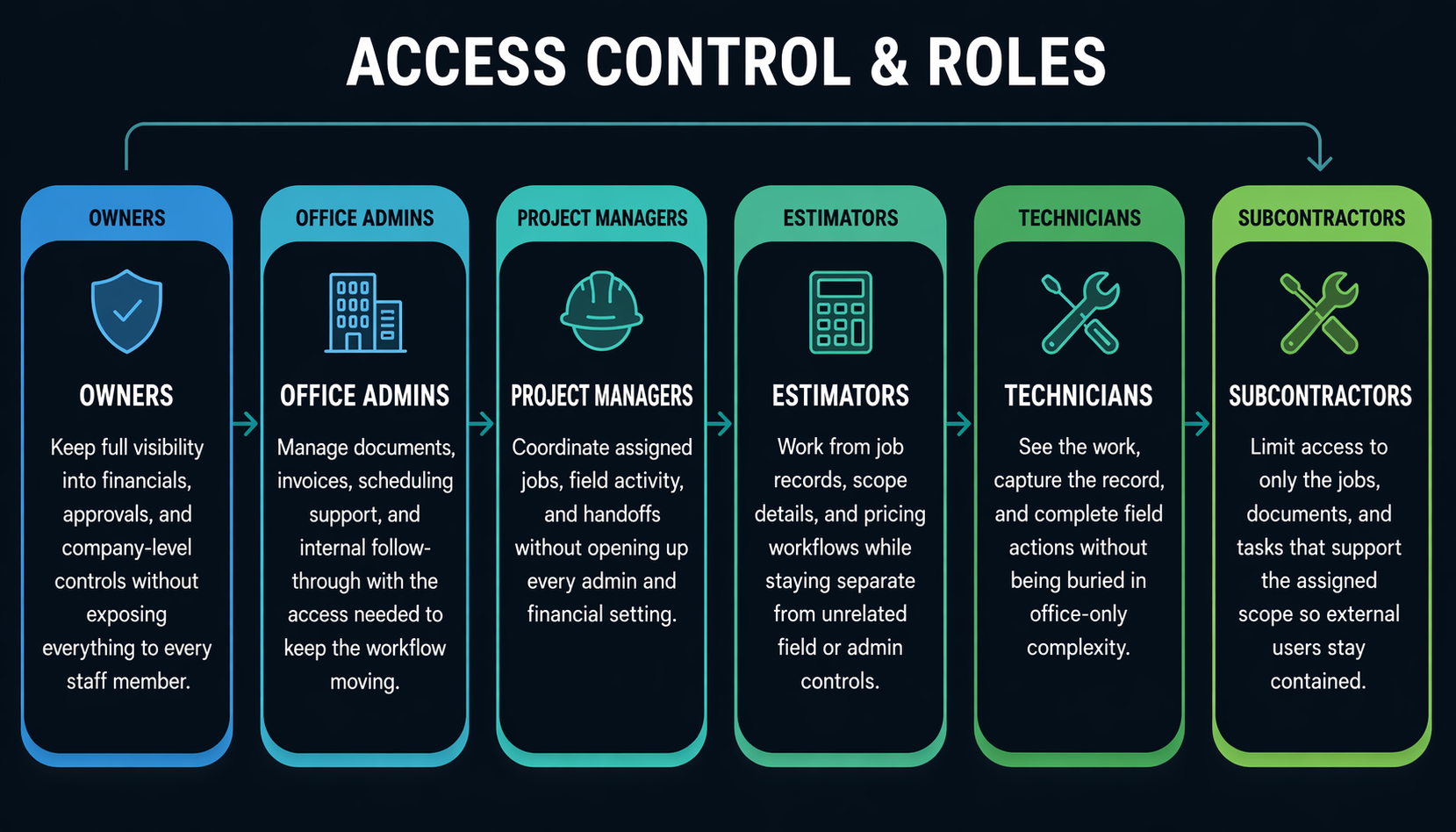
Role examples across a real contractor team
A contractor app with employee access control should reflect how actual companies operate, from leadership and office admins to technicians and subcontractors.
Why role-based access matters
Construction software user permissions are not just about security. They reduce mistakes, improve accountability, and make the platform easier to operate every day.
Restrict sensitive documents
Keep internal records, approvals, and controlled documents with the people who should actually handle them.
Control who sees financials
Protect estimates, billing details, and performance data while still giving leadership the visibility they need.
Reduce avoidable mistakes
Limit high-impact actions so the wrong person is less likely to edit, approve, or send the wrong thing.
Improve accountability
Keep responsibilities clearer when access actually reflects who owns the workflow.
Support growing companies without permission chaos
Admin controls for field service software matter more as more people touch the job. Logic Lens helps growing teams avoid the messy middle where every new hire inherits the same blanket access.
Permissions work best when they support the rest of the platform. Scheduling, job records, estimates, invoices, and job costing become easier to manage when every user sees the right slice of the same system.
This is especially useful for contractors balancing office admins, project managers, technicians, and subcontractors across multiple active jobs.
Set up contractor permissions that match the real org chart
See how Logic Lens helps owners, office teams, estimators, project managers, technicians, and subcontractors work in one platform without sharing the same level of access.
Questions about permission-based roles for contractor teams
Extra detail for teams comparing restoration software workflows and trying to understand how this feature fits into the larger operation.