
Better context than photos
Preserve layout, relationships, and room logic in one navigable record.
A visual historical record of the loss, moisture progression, and mitigation.
Turn water intrusion into a visual replay that shows entry point, spread pattern, affected materials, and mitigation outcome.
Store the full history of the space in one exact 3D record, before the flood, during the event, and after cleanup.
Layout, item position, and affected areas remain connected inside the model, giving every stakeholder a clearer understanding of the loss.
One shared 3D view helps owners, adjusters, and office teams understand the claim quickly without piecing together scattered photos.
Preserve layout, relationships, and room logic in one navigable record.
Lock in pre-work condition so the job starts from a defensible reference point.

Pull dimensions after you leave instead of making a second site visit.

Reduce disputes around what was present, where it was, and what changed.

Give adjusters and stakeholders instant context with a record that holds up.
Preserve layout, relationships, and room logic in one navigable record.
Lock in pre-work condition so the job starts from a defensible reference point.
Pull dimensions after you leave instead of making a second site visit.
Reduce disputes around what was present, where it was, and what changed.
Give adjusters and stakeholders instant context with a record that holds up.
A spatial scan isn’t just impressive, it’s the most complete form of documentation you can capture before work begins.
Photos are valuable, but they don’t show how everything relates. Spatial documentation preserves layout, contents context, and navigation in one record.
When the space is instantly understandable, you reduce “please re-send / please clarify” loops and move faster on scope, approvals, and next steps.
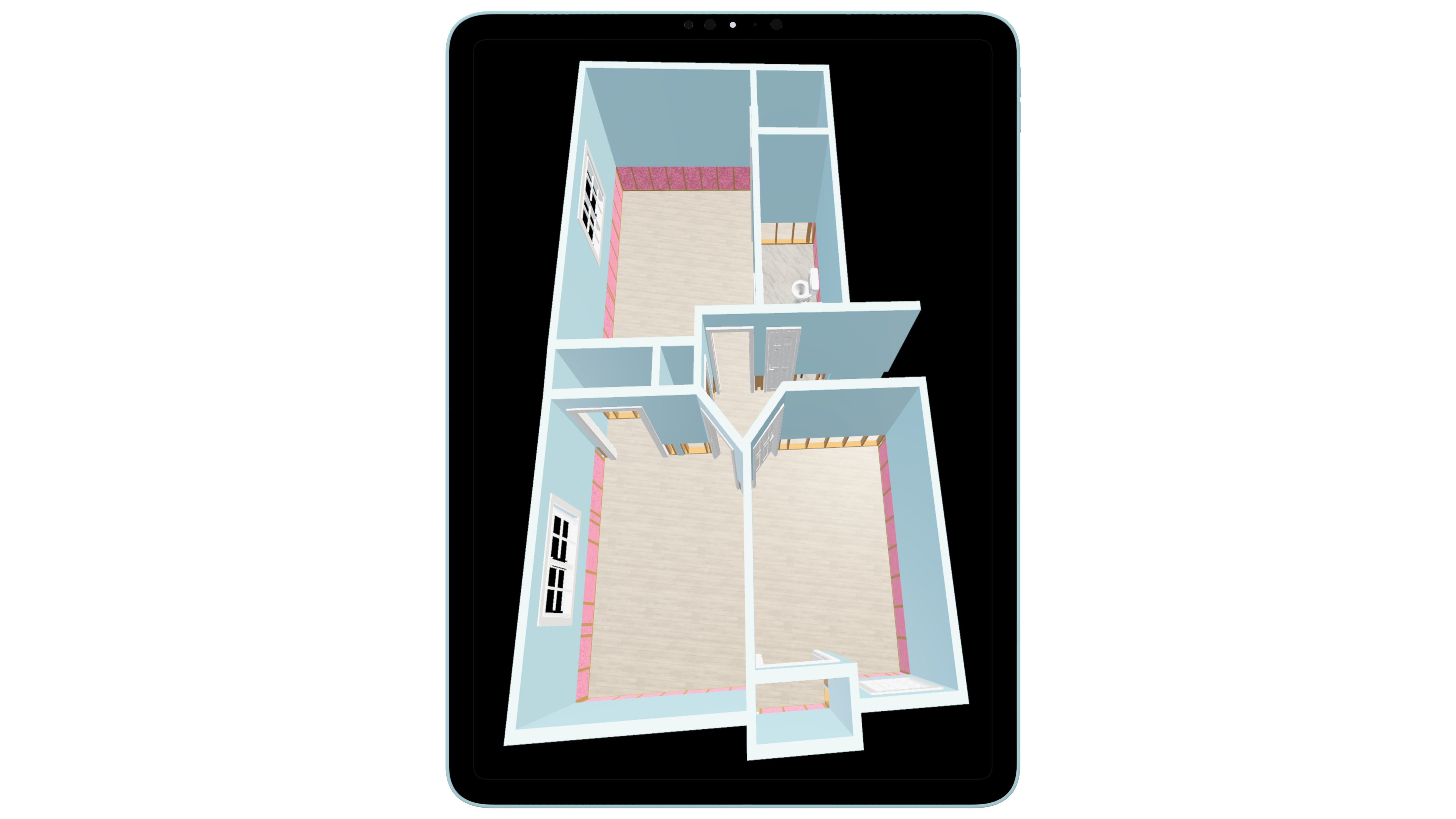
Capture a navigable snapshot of the space, with structure and contents context, so the job starts with a baseline everyone can understand.
Lock in pre-work condition so the job starts from a clear, defensible reference point.
Grab door/window spans, ceiling heights, and key layout measurements after you’ve already left.
Office, adjusters, and owners can understand the space instantly, with fewer re-requests and faster alignment.
Less arguing about “what was where” and “what changed,” and the scan becomes the neutral source of truth.
These images show the value of spatial documentation in a way static photos alone cannot. The real-world jobsite image captures the mitigation environment as it existed in the field, while the paired Logic Lens view shows how that same space can be translated into a structured digital record for clearer review, communication, and file continuity.
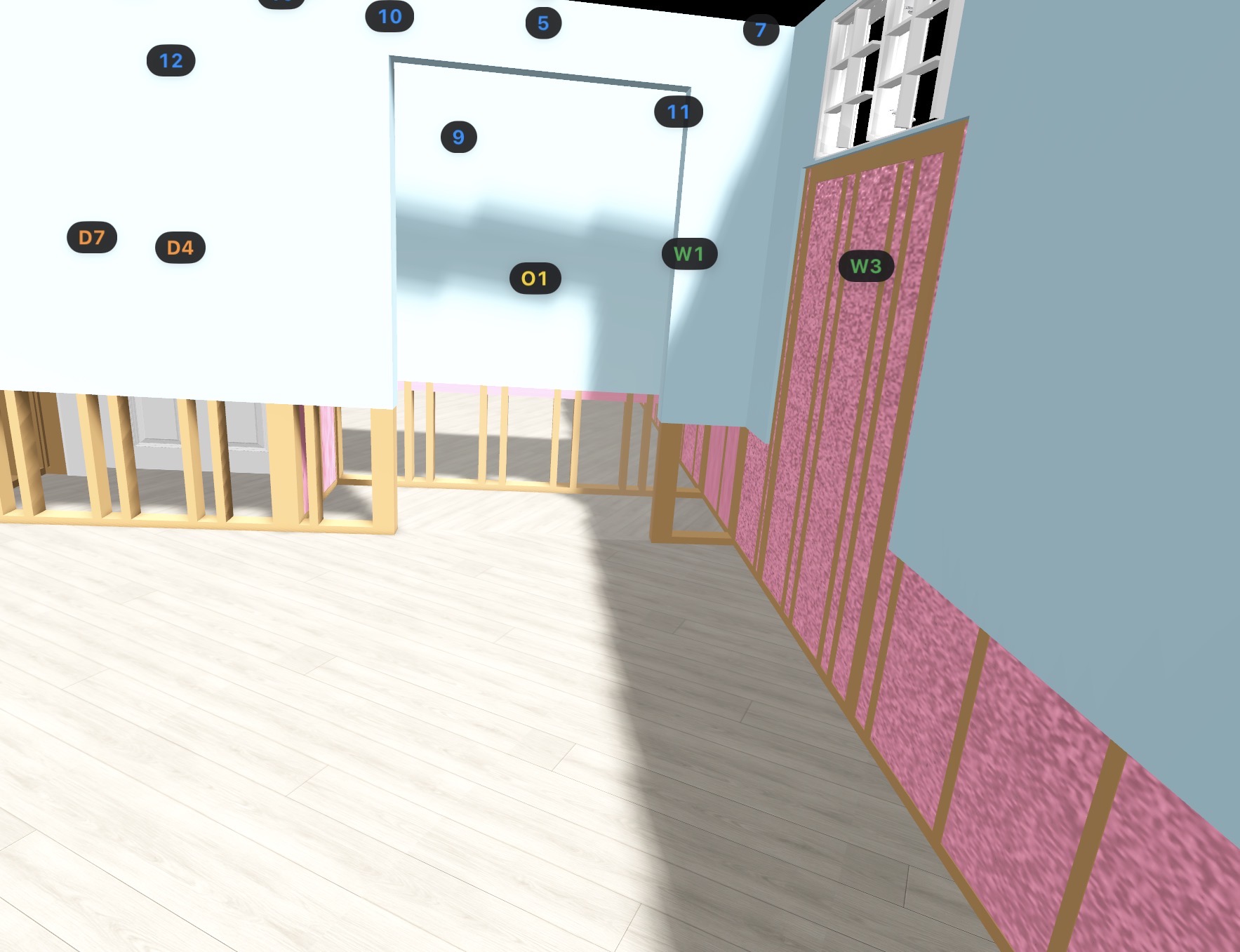
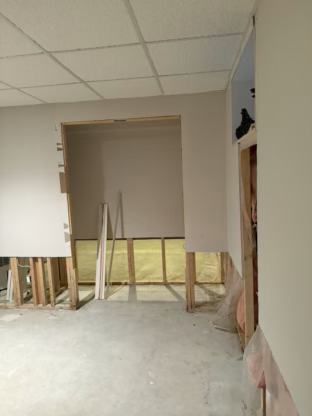
A standard site photo shows what was there in the moment. The spatial view helps turn that same area into a more structured record that is easier to interpret later by office staff, reviewers, and carriers.
This is not abstract 3D for the sake of visuals. It is tied to real mitigation conditions, real openings, and real jobsite geometry so the file stays more useful as the claim progresses.
When the field environment is translated into a spatial record, the result is easier to review, explain, and carry forward across handoffs, supplements, and reconstruction planning.
Extra detail for teams comparing restoration software workflows and trying to understand how this feature fits into the larger operation.
These pages support the same restoration workflow and strengthen the internal process around this feature.
Capture and organize job photos, notes, and field evidence in a structured, defensible format designed for restoration contractors and insurance review.
Document large items, boxed contents, soft goods, schedules of loss, electronics, and appliances with professional-grade structure that saves time and strengthens the claim file.
Track drying progress, document moisture readings over time, and generate insurer-ready moisture reports built for real water damage restoration workflows.