
Large items
Clean structure that scales without turning into chaos.
Document large items, boxed contents, soft goods, schedules of loss, electronics, and appliances with professional-grade structure that saves time and strengthens the claim file.
Clean structure that scales without turning into chaos.

Clean structure that scales without turning into chaos.

Clean structure that scales without turning into chaos.
Clean structure that scales without turning into chaos.
Clean structure that scales without turning into chaos.
Clean structure that scales without turning into chaos.

Clean structure that scales without turning into chaos.

Product details and pricing captured with less manual entry.
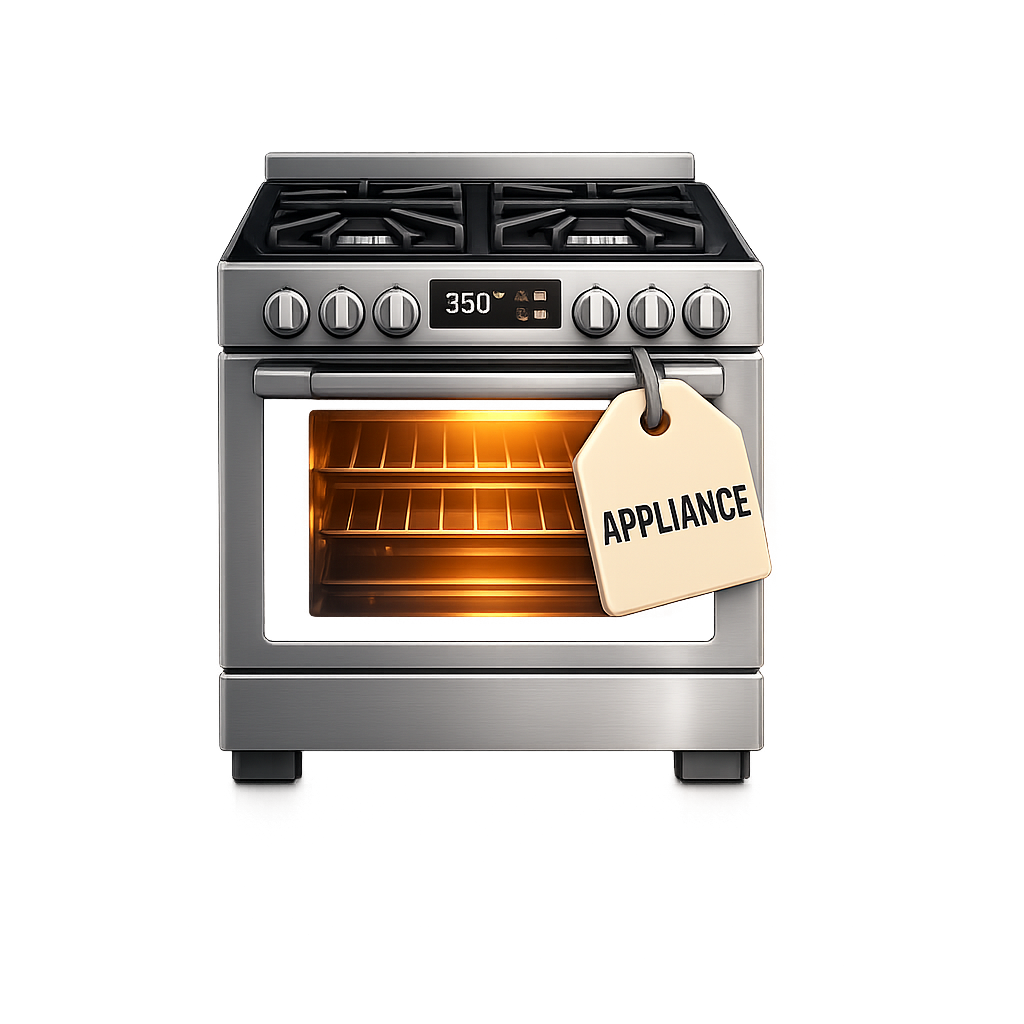
Large-value items documented clearly for faster review.
Clean structure that scales without turning into chaos.
Product details and pricing captured with less manual entry.
Large-value items documented clearly for faster review.
Structured for field teams, office review, and insurer-facing claim files.
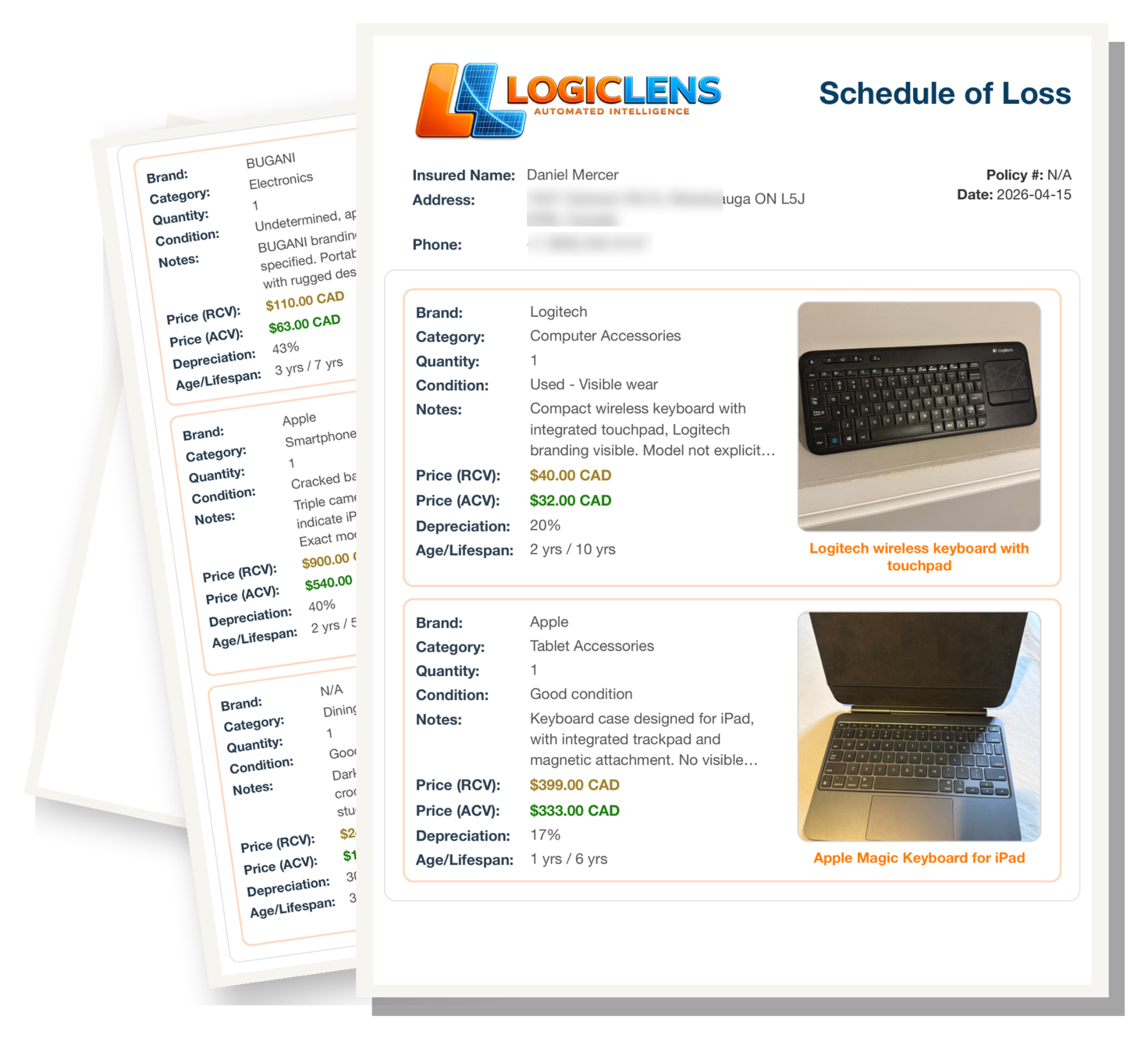
Outcome-focused value built for restoration workflows and insurer review.
Less manual sorting and rework, and the structure stays consistent from day one.
Repeatable structure that scales from small claims to contents-heavy losses.
Cleaner organization helps reduce back-and-forth and missing-item disputes.
Same format across teams and jobs, so files stay readable and defendable.
Bottom line: Better contents documentation protects margin and credibility, especially on higher-value claims, and produces one contents file that stays readable end-to-end for techs, office, and insurer review.
When contents are being packed out, speed matters. Techs do not have time to stop, write descriptions by hand, or think through how every item should be documented before the box gets sealed.
With Logic Lens Content Cam, the user simply takes a photo of the contents before boxing them up and taping the box shut. From that image, Logic Lens helps generate a clearer item description so the record is easier to understand later without relying on handwritten notes or memory.
This makes boxed contents documentation faster, more consistent, and far easier to review once the items are off-site or back in storage.
Not every item is packed into a box. Some contents are left loose, moved off-site, or placed directly into storage because of size, condition, or handling requirements.
With Logic Lens Content Cam, the user can photograph items individually before or during storage handling. Logic Lens helps capture a more complete record of what the item is, what condition it appeared to be in, and whether any visible damage was present at the time of documentation.
This gives restoration teams a faster way to document storage-only items without slowing down the job, while creating a clearer record for office staff and insurer review later.
These two workflows save end users hours on contents jobs by making documentation faster, easier, and far less mentally demanding in the field.
Extra detail for teams comparing restoration software workflows and trying to understand how this feature fits into the larger operation.